Zero Mass System Requirements
Minimum vs recommended PC specs for solo mining and co-op guests.
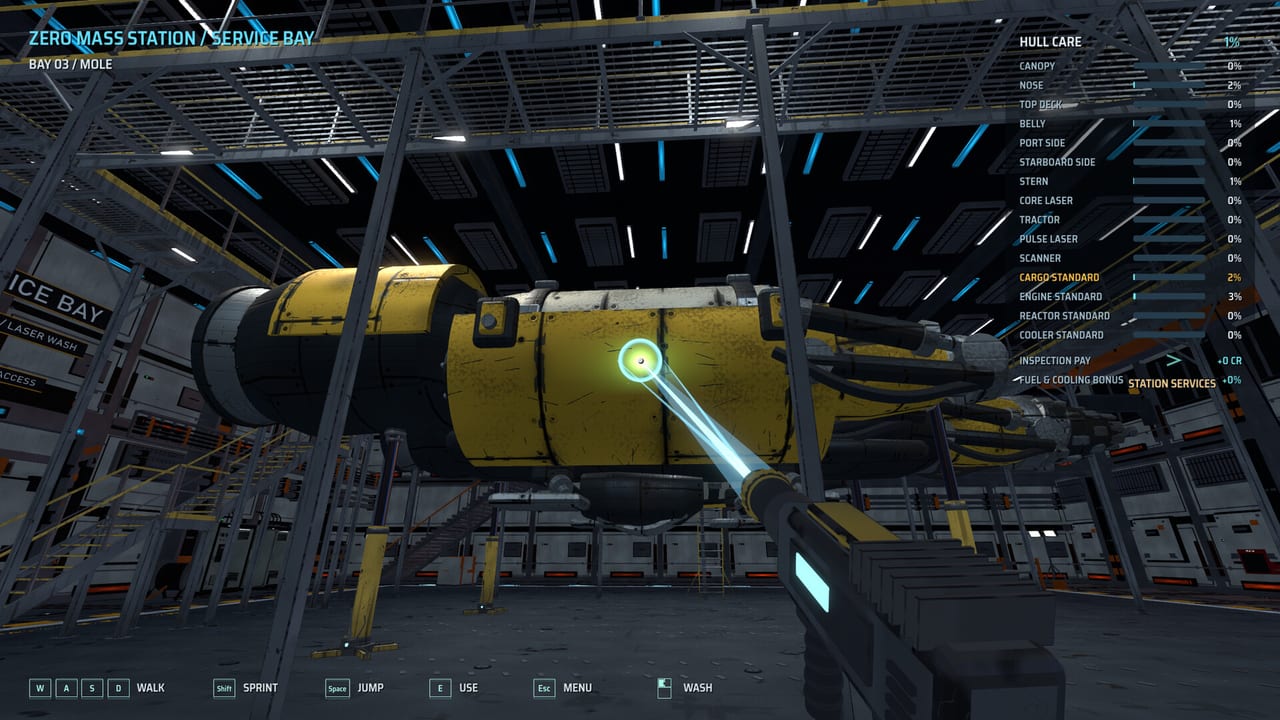
Before you undock into your first asteroid field, confirm that your PC matches Zero Mass’s published Steam requirements. The game is a free Windows release from Wombex Games (developer veta, app 5504190) that combines continuous mining visuals, ship flight, and automation—so GPU and CPU headroom matter more than the tiny install size suggests.
This page lists minimum and recommended specs, storage, controller notes, and co-op guest expectations. Return to the tools hub for session checklists, then continue with getting started once the game launches cleanly. Hosting friends? Read co-op after you verify everyone’s hardware.
Minimum requirements
| Component | Minimum |
|---|---|
| OS | Windows 10 64-bit |
| Processor | Intel Core i5-8400 / AMD Ryzen 5 2600 |
| Graphics | NVIDIA GTX 1060 6GB / AMD RX 580 8GB (OpenGL 3.3) |
| Storage | 2 GB available space |
Minimum is the floor for playable solo shifts on smaller sites. Expect to lower graphics options if you combine large fields, many drones, or busy co-op lobbies on hardware near this tier.
Recommended requirements
| Component | Recommended |
|---|---|
| OS | Windows 10 / Windows 11 |
| Processor | Intel Core i5-12400 / AMD Ryzen 5 5600X |
| Graphics | NVIDIA RTX 3060 12GB / AMD RX 6700 XT |
| Storage | 2 GB available space (plus Steam/shader headroom) |
Recommended specs target smoother frame times during heavy excavation, denser debris, and longer Full Shift-style sessions if you own Deep Field Operations. Vulkan-capable GPUs are a sensible choice when driver options offer them.
Storage and install notes
The listed 2 GB footprint is modest compared with many Steam simulations, but you should still:
- Keep extra free space on the same drive for Steam downloads, redistributables, and shader caches
- Install on an SSD when possible for faster boot into the station and level streaming
- Avoid filling the system drive to zero—Windows and GPU drivers need working space
Re-check size on the Steam store page if future patches or Aquilo Station content grow the download.
Controller support
Zero Mass offers partial controller support. You can experiment with a gamepad for flight and camera, but precision mining, menu navigation, and some station interactions may feel better on keyboard and mouse. If you prefer a controller:
- Test docking and fine aim on the first tutorial rock before a long session.
- Confirm camera invert and sensitivity early.
- Keep a keyboard nearby for any unbound actions.
Steam Input may help remap; community layouts can appear after launch—verify in Steam’s controller settings rather than assuming a full native twin-stick scheme.
Co-op guests use the same specs
Crew Operations lets guests join free when the host owns the DLC, but guests still run the full client. Use the same minimum and recommended tables above for every pilot in the lobby. A host on recommended hardware cannot fix stutter on a guest below minimum.
Before a group night:
- Share this page with friends
- Confirm everyone installed the free base and updated GPU drivers
- Have the host verify Crew Operations ownership on Steam
- Agree on graphics presets if one player is on minimum-class hardware
More session flow tips live in the co-op guide. DLC pricing and host-only rules are explained in the DLC guide.
Performance tips tied to gameplay
If frames dip while cutting a huge asteroid:
- Lower shadows, effects, or resolution scale first
- Reduce on-screen clutter when many drones are active
- Close heavy overlays (browsers, recording) on minimum GPUs
- Keep cooling and cargo upgrades sensible so you are not forced into chaotic camera chases—see ship upgrades
Stable performance makes the incremental loop clearer: you notice real DPS and haul gains instead of fighting hitching.
Related pages
- Tools hub
- Getting started
- Co-op guide
- Updates hub — watch for graphics-related patch notes
Match or exceed the tables above, update drivers, and you are ready to dock into the service bay and start deleting mass for free.
Frequently Asked Questions
Quick answers to the most common Zero Mass questions.
What are the Zero Mass minimum specs?
Windows 10 64-bit, Intel Core i5-8400 or AMD Ryzen 5 2600, GTX 1060 6GB or RX 580 8GB with OpenGL 3.3, and 2 GB storage.
What are the recommended specs?
Windows 10 or 11, Intel Core i5-12400 or AMD Ryzen 5 5600X, RTX 3060 12GB or RX 6700 XT, with the same 2 GB storage baseline plus extra free space for Steam.
Can I play with a controller?
Partial controller support is available. Test docking and aiming before long sessions; keyboard and mouse remain the safer precision option.
Do co-op guests need better PCs than solo players?
No. Guests should meet the same minimum and recommended requirements as solo play. Only the host must own Crew Operations; hardware expectations stay shared.
Is 2 GB storage enough forever?
That is the listed game size, but leave extra room for Steam, drivers, and future content such as Aquilo Station. Recheck the store page after large patches.