Zero Mass Tools & Checklists
Verify your PC, then plan upgrades before the next asteroid shift.
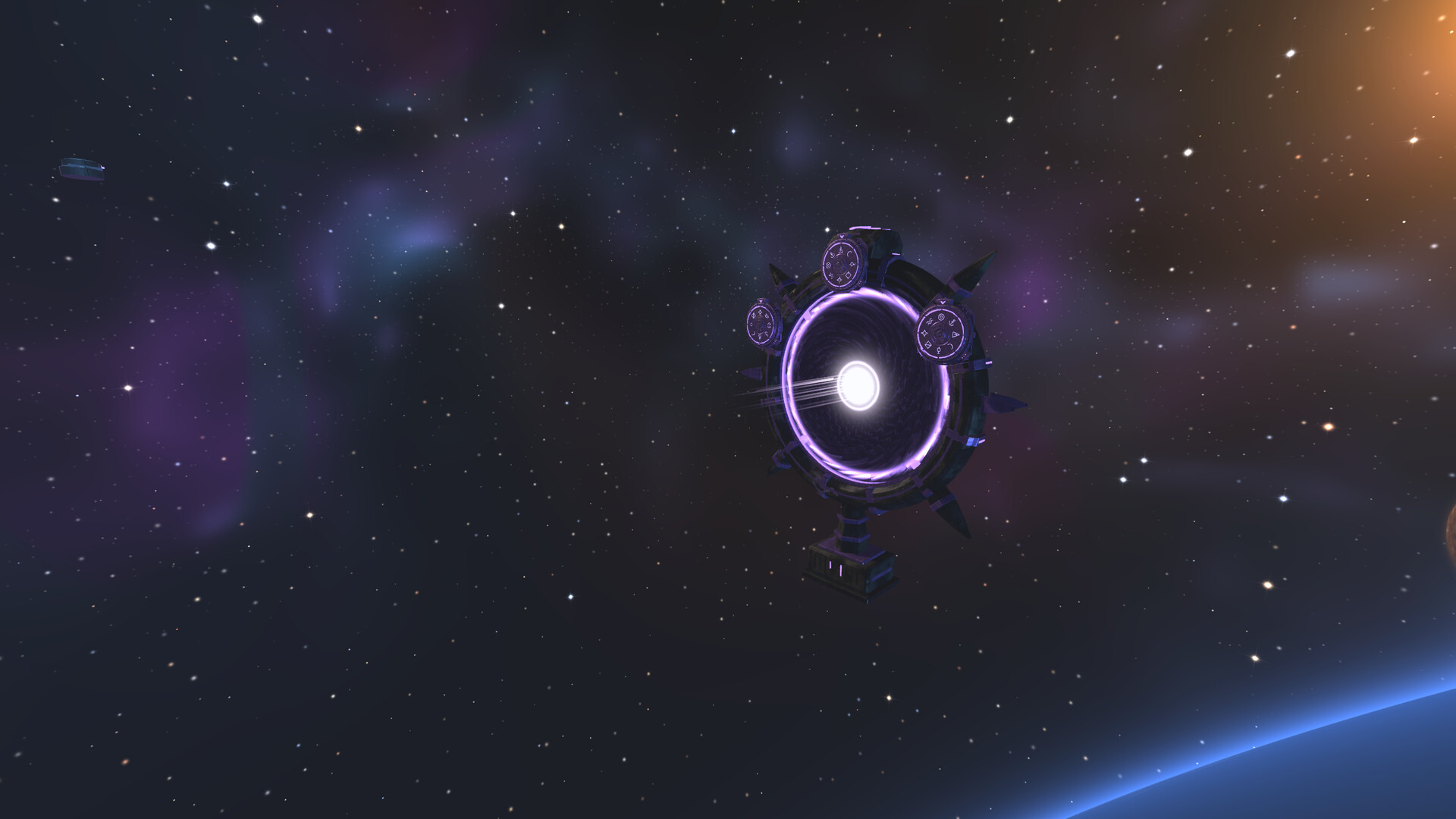
The Tools hub collects practical checklists for Zero Mass players who want a smooth first install and efficient silo spending afterward. Start by confirming your machine can run the free Steam build, then jump into upgrade planning pages so ore from early rocks is not wasted.
Zero Mass is a PC space-mining incremental (Steam app 5504190) with a complete free base campaign of about five to six hours, optional co-op via Crew Operations, and modest support DLCs. It uses a modern GPU feature set (OpenGL 3.3 minimum; Vulkan-capable cards recommended in related listings). Partial controller support is available, but keyboard and mouse remain the safe default for precise mining passes.
Primary tool: system requirements
Open the full system requirements page for minimum and recommended CPU, GPU, OS, and storage numbers, plus notes for co-op guests (same specs as the host). Use that page before buying Deep Field Operations or hosting a Crew Operations lobby so friends are not surprised mid-shift.
Quick pre-flight checklist:
- Windows 10/11 64-bit with enough free disk for the 2 GB install footprint (leave headroom for Steam and shaders).
- GPU at or above GTX 1060 6GB / RX 580 8GB class for minimum; RTX 3060 12GB / RX 6700 XT class for recommended comfort.
- CPU in the i5-8400 / Ryzen 5 2600 range or better (recommended i5-12400 / Ryzen 5 5600X class).
- Stable network if you plan co-op sessions.
- Latest GPU drivers before first launch.
Planning tools on this wiki
Hardware is only half the prep. After install:
- Follow getting started for controls, docking, and first objectives.
- Spend ore with the upgrade priority hub and the detailed ship upgrades tier list.
- Track patches and DLC timing on the updates hub.
There is no in-wiki calculator that invents hidden formulas—priorities here come from bottleneck logic (move, cut, haul, cool, automate) aligned with the publicly described systems: ship upgrades, drones/rigs, contracts, and artifacts.
Session setup checklist
Use this list before a long Full Shift-style evening or a co-op night:
| Step | Action |
|---|---|
| 1 | Verify specs on system requirements |
| 2 | Update Steam and GPU drivers |
| 3 | Confirm host owns Crew Operations if playing co-op; guests need only the free base |
| 4 | Skim latest Steam news via the updates hub |
| 5 | Set a silo spend plan on ship upgrades |
| 6 | Optional: enable controller only after testing aim and camera comfort |
Related hubs
- System requirements — full min/rec tables
- Ship upgrades — S/A/B spend priorities
- Getting started — first-hour walkthrough
- Links hub — Steam, Discord, and official channels for support threads
Treat this hub as your pre-flight board: confirm the PC, confirm the patch, confirm the upgrade plan, then undock and drive an asteroid from 100% to 0% without mid-shift surprises.
Frequently Asked Questions
Quick answers to the most common Zero Mass questions.
What is the most important Tools page?
System requirements. Confirm minimum and recommended specs—and co-op guest hardware—before long sessions or multiplayer lobbies.
Does Zero Mass need a high-end PC?
Minimum specs target GTX 1060 6GB / RX 580 8GB class hardware with an i5-8400 / Ryzen 5 2600 era CPU. Recommended specs step up to RTX 3060 12GB / RX 6700 XT and newer midrange CPUs.
Where do I plan upgrades after checking specs?
Use the upgrade priority hub and ship upgrades tier list, then follow getting started for the first mining loop.
Is there an official in-game tools menu this hub mirrors?
This hub is a wiki checklist layer for PC prep and planning links. Always verify live patch and DLC details on Steam news and the store page.